Hello and welcome to today’s digital security expert session. If you’ve ever wondered why password managers are increasingly recommended by cybersecurity professionals, or if you’re curious about how they generate strong passwords, analyze breaches, and go far beyond your web browser’s “save password” prompt, you’re in the right place. Today, we’ll break down everything you need to know about password managers—why they are no longer just a convenience, but a fundamental pillar of security in 2025.
Let’s explore how password managers make complex security simple, help you stay ahead of cyber threats, and protect both personal and business accounts—step by step.
The Digital Security Landscape: Why Password Managers Matter More Than Ever
In our increasingly online lives, the sheer number of accounts we maintain is staggering, spanning banking, email, work apps, online shopping, social media, health portals, streaming services, and more. Each account is a potential target for hackers. While advice about creating “strong, unique passwords” is nothing new, the reality is that most people reuse passwords or rely on obvious, easy-to-remember phrases—an open invitation to cybercriminals2.
Cyber threats are evolving at record speed. Insecure credentials remain among the leading causes of data breaches globally, with around 80% of hacking-related breaches involving compromised or weak passwords4. Credential theft, phishing attacks, and large-scale password dumps from breached companies now occur daily. Even major organizations with advanced security controls—like banks and Fortune 500 companies—fall victim to password-related attacks.
Enter the password manager, a tool designed to solve these real-world problems by removing the human limitations of password memory, automating complex password hygiene, and providing a fortress for your digital identity.6
What Is a Password Manager? (And Why It’s Not Just a Digital Notebook)
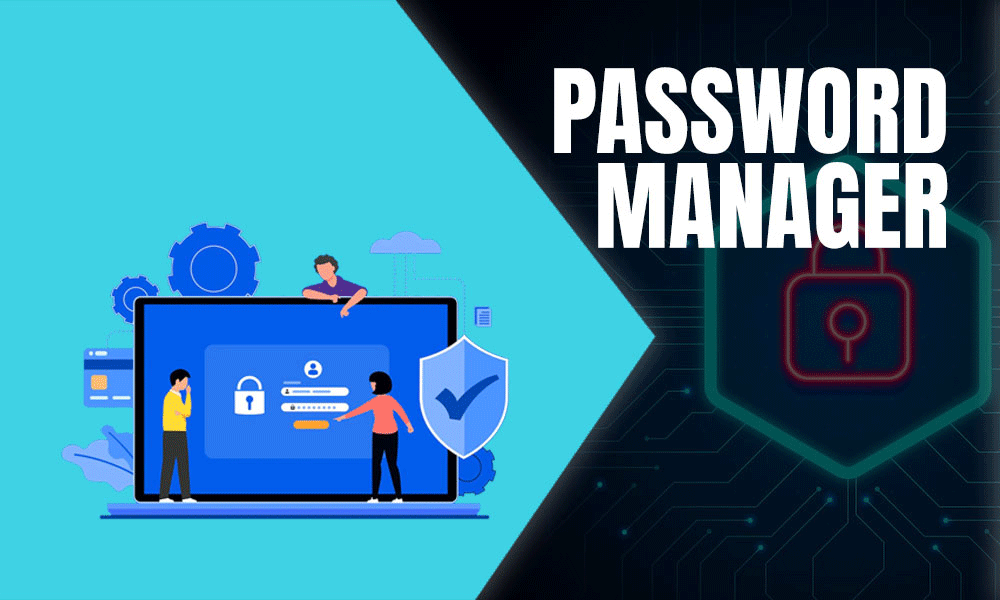
A password manager is an application or cloud service that securely stores all your passwords—and often other sensitive data like credit cards or secure notes—in an encrypted “vault.” You access this vault via a single, strong “master password” (often with multi-factor authentication for added security). This means you only have to remember one password; the manager handles the rest8.
But it’s much more than just storage:
- Password managers auto-fill login fields across websites and apps, reducing your risk of being tricked by phishing sites.
- They generate complex, unique passwords for each account.
- Many provide health checks—alerting you to weak or compromised credentials.
- Top-tier managers regularly compare your credentials with known breach databases, prompting you to change compromised passwords.
The best password managers are available as browser extensions, standalone desktop and mobile apps, or even as enterprise platforms with advanced access and compliance controls6.
Key Security Features Explained: Going Beyond the Basics
Let’s explore what sets professional password managers apart from “remember-my-password” features built into browsers or operating systems.
1. Secure Password Generation
We all know password rules—long, complex, unique. But most humans struggle to invent or remember gibberish like Pg$d7#2lKmz!e for every login. That’s where the password generator comes in.
- Automatic password generation creates long, random, and unguessable passwords with a blend of upper and lowercase letters, numbers, and symbols—dramatically increasing entropy and protection against brute-force attacks11.
- Many managers allow you to tailor password complexity or use passphrases (strings of random words), which are both stronger and more memorable.
- These generated passwords are unique for each site, preventing credential stuffing attacks where a hacker tries one stolen password across multiple sites2.
A strong password manager doesn’t just store passwords—it creates strong ones on demand so you never have to compromise security for convenience.
2. Breach Analysis and Monitoring Tools
Data breaches are now a fact of digital life. Even if you use strong passwords, your credentials might be exposed if a site you use is hacked. This is where breach monitoring comes in.
- Many managers constantly check your stored passwords against databases of known breached credentials (such as HaveIBeenPwned and similar services).
- If a password you use appears in a breach database, you’ll receive an alert. The manager will prompt you to change that credential immediately—giving you an early warning before attackers can exploit the exposure12.
- Some password managers rate your overall password security health, offering actionable recommendations and monitoring for password reuse, weak passwords, outdated credentials, and potential exposures.
Proactive breach detection is a game-changer, turning password management from passive storage into an active defense system.
3. Zero-Knowledge Architecture: Security Even from the Provider
One of the most powerful concepts in modern password management is the zero-knowledge architecture.
- Zero-knowledge means the password manager’s servers and employees cannot access your data, even if compelled by hackers or authorities.
- Your data is encrypted on your device (“client-side encryption”) before it ever reaches the cloud, and only your master password—and optionally a second factor—can decrypt it.
- Even in the unlikely event of a breach at the password manager company itself, attackers gain access only to encrypted “vaults”, useless without your unique decryption keys14.
True zero-knowledge design ensures you, and only you, control your sensitive credentials.
4. Strong Encryption Standards and Secure Storage
Encryption is the backbone of password manager security.
- Most professional managers use AES-256 bit encryption—the same standard trusted by banks, defense organizations, and governments worldwide.
- Some, like NordPass, also offer ChaCha20 or XChaCha20 encryption, which is equally robust and was designed for modern computing.
- In addition to encrypting stored passwords (“at rest”), connections to the manager’s servers (“in transit”) are secured via protocols like TLS.
Encryption ensures that even if data is stolen, it’s mathematically infeasible to decipher without the keys.
5. Two-Factor and Multi-Factor Authentication Integration
Given that the master password is the key to your digital kingdom, password managers offer:
- Two-factor authentication (2FA): A code delivered via SMS, app, or hardware token must be used in addition to your master password.
- Multi-factor authentication (MFA): Can include biometrics (like Face ID or fingerprint), physical keys (such as YubiKey), or app-based authentication.
- Built-in secure recovery options for account access if you lose a device or forget the master password, ensuring no one else can bypass security controls16.
2FA/MFA is vital for both password manager security and your online accounts—adding extra hurdles for attackers.
6. Cross-Platform Sync and Autofill
Our digital lives span many devices: phones, tablets, laptops, desktops.
- Password managers offer secure syncing, keeping your vault up-to-date across all platforms—Windows, macOS, Linux, iOS, Android, and browsers5.
- Autofill tools enter your credentials on websites and in apps, reducing typos and making it harder for hackers to intercept details (for example, by making it obvious when you’re on a suspicious fake login page—often, the manager simply won’t fill in).
- The best managers keep credentials, notes, and payment methods organized and accessible anywhere, anytime.

 Cyber Himalaya Tech Wizard